Photoart Charm Creator
Turn A Favorite Photo Into A Charm They Can Carry.
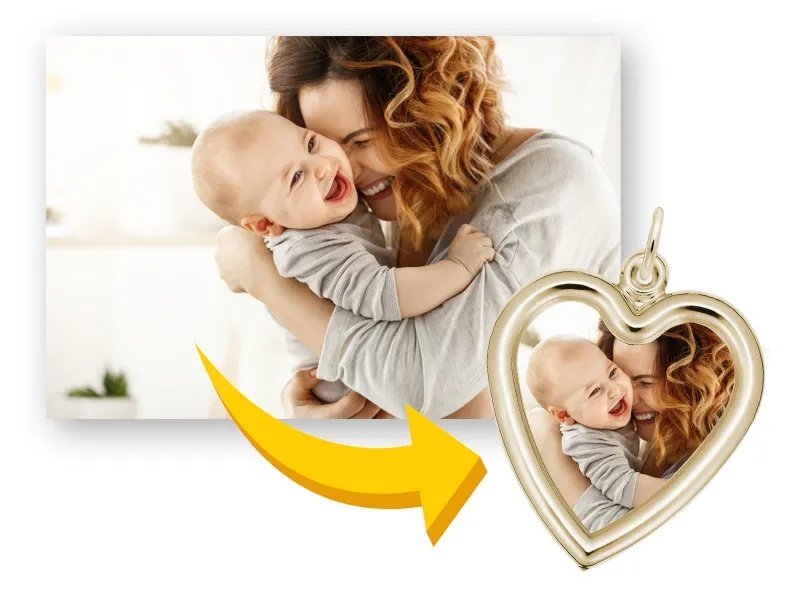
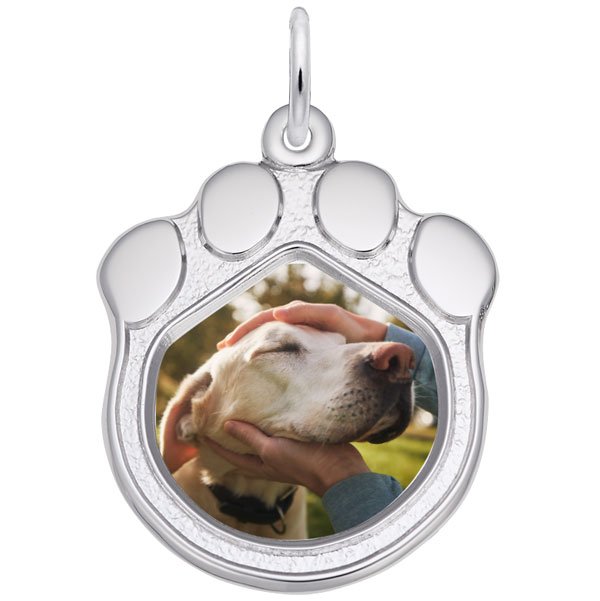
Photoart Charm Creator preserve a meaningful image inside a Rembrandt charm, from family portraits and pets to the moments customers want close every day.
Open Photoart CreatorHow it works
Three Simple Steps From Photo To Keepsake.
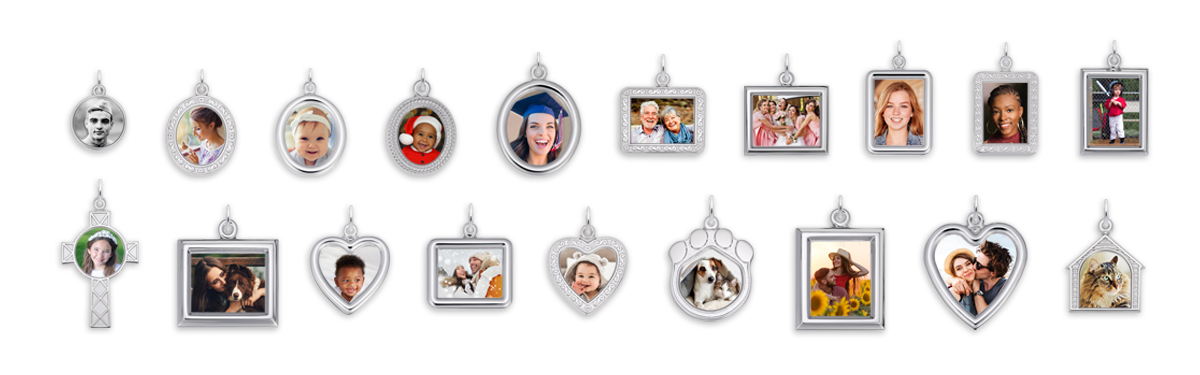
Any photograph up to 8 by 10 inches can be used, either digital or printed. Rembrandt focuses on the face or faces unless a different crop is specified. After the frame style and metal are selected, an authorized retailer can place the order and help confirm the best fit for the photo.
Frame fit
Match The Photo To The Shape.
Use a digital or printed photo up to 8 by 10 inches. Photos with clear faces and simple spacing work best.
Select the frame shape that best fits the photo crop.
Preview First
Select the frame shape that best fits the photo crop.
Care
Protect The Photo, Finish, And Coating.
Cleaning
Use gentle cleaning only; avoid harsh chemicals around the photo surface.
UV Exposure
Keep photo detail away from prolonged direct sunlight when possible.
Water Resistance
Photo charms are not intended for soaking or prolonged water exposure.
Preview first
Preview the photo, then order through a retailer.
Use the Photoart Creator to check the crop and composition, then work with a retailer to complete the piece.
Use the Photoart Creator